

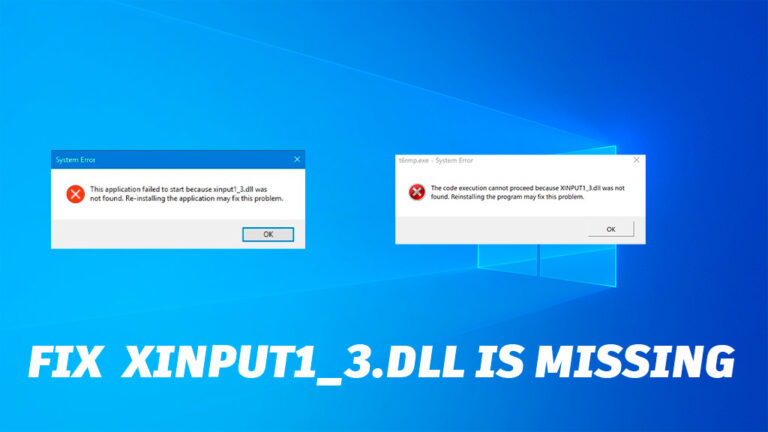
What Is xinput1_3.dll?
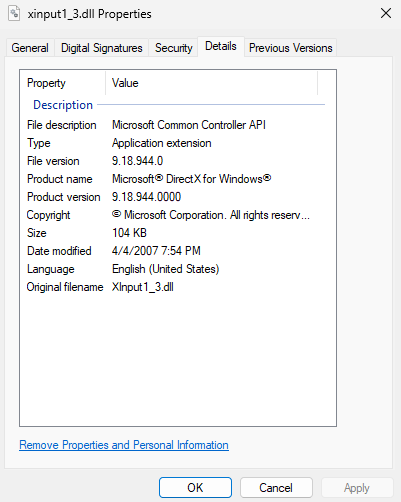
The xinput1_3.dll file is part of Microsoft’s DirectX package, which is essential for running most Windows games and multimedia applications.
If this file is missing or corrupted, you’ll likely see an error such as:
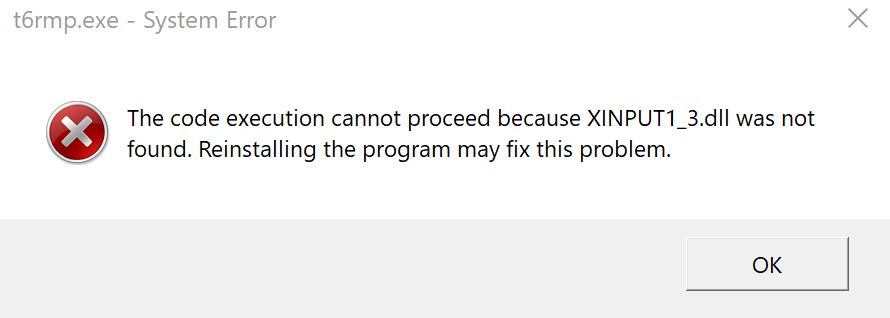
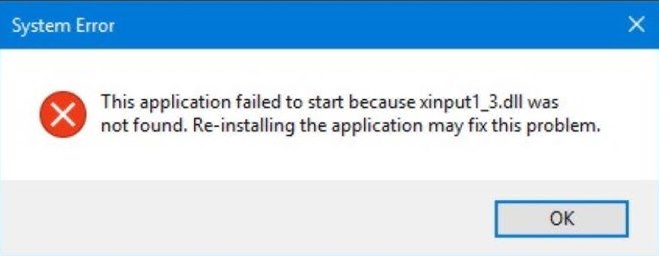
“The program can’t start because xinput1_3.dll is missing from your computer.”
This usually happens after reinstalling Windows, updating the system, or trying to launch a game for the first time.
Common Reasons for the Error
Here are the most frequent causes behind the xinput1_3.dll missing message:
-
Incomplete or damaged DirectX installation
-
Recently removed or outdated graphics drivers
-
Malware or corrupted system files
-
Improper registry cleanup tools that deleted DLLs
How to Fix “xinput1_3.dll Is Missing” on Windows
Let’s go through several reliable methods to resolve this issue safely.
1. Reinstall DirectX (Recommended)
The most effective fix is to reinstall or update DirectX.
-
Visit the official Microsoft DirectX End-User Runtime page.
-
Download and run the setup file.
-
Follow on-screen instructions and restart your computer.
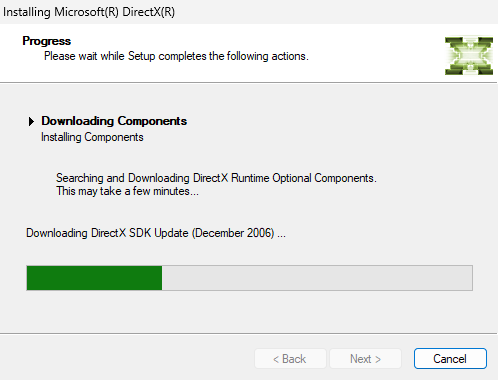
💡 Tip: Even if you already have DirectX 12, some games still require older DirectX 9 components — which this installer restores.
2. Update Graphics Drivers
Outdated or corrupted graphics drivers can also cause DirectX-related errors.
To update:
-
Right-click Start → Device Manager.
-
Expand Display adapters.
-
Right-click your GPU → Update driver → Search automatically.
Alternatively, download drivers directly from:
-
NVIDIA: nvidia.com/Download
-
AMD: amd.com/en/support
-
Intel: intel.com/download-center
3. Run System File Checker (SFC)
This tool can fix corrupted or missing Windows system files.
-
Press Win + S, type cmd, right-click → Run as administrator.
-
Enter the command:
-
Wait for the process to finish and restart your PC.
4. Scan for Malware
Sometimes, malicious software replaces or deletes essential DLL files.
Use Windows Security or a trusted antivirus program to run a full system scan:
-
Open Settings → Privacy & Security → Windows Security → Virus & threat protection
-
Choose Full scan
5. Don’t Download DLL Files Manually
Avoid downloading xinput1_3.dll from random websites — these files can be infected or incompatible. Always use the official Microsoft DirectX installer.
Final Thoughts
The xinput1_3.dll missing error is one of the most common DirectX problems on Windows, but it’s easy to fix by reinstalling DirectX, updating your GPU drivers, and scanning for corrupted files.
Once you complete these steps, your games and apps should launch smoothly again.
Explore other helpful tools in our Windows utilities section.
