How to Speed Up Windows 10 When It’s Lagging
If your Windows 10 PC feels sluggish—slow boot times, lag when opening apps, or freezing during work—don’t rush to buy a new one.Here’s how to … Read more

Written by: Malik.S
Published on:

If your Windows 10 PC feels sluggish—slow boot times, lag when opening apps, or freezing during work—don’t rush to buy a new one.Here’s how to … Read more
Written by: Malik.S
Published on:
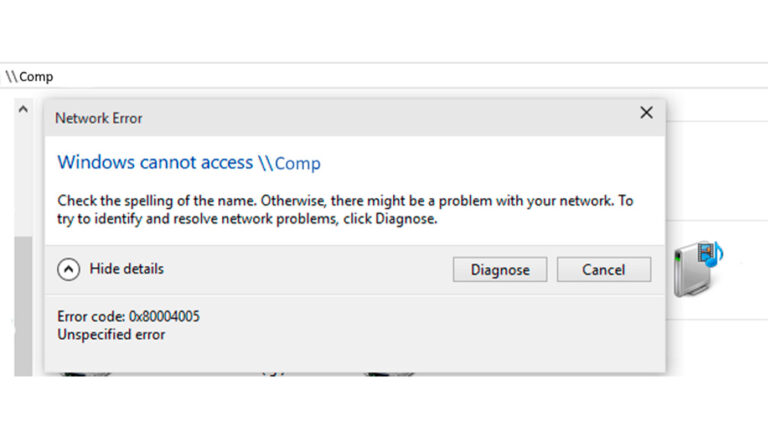
Overview of Error 0x80004005 In Windows 11 and Windows 10, you might see the message: “Windows cannot access [resource]” — Error code 0x80004005 (Unspecified error) … Read more
Written by: Malik.S
Published on:
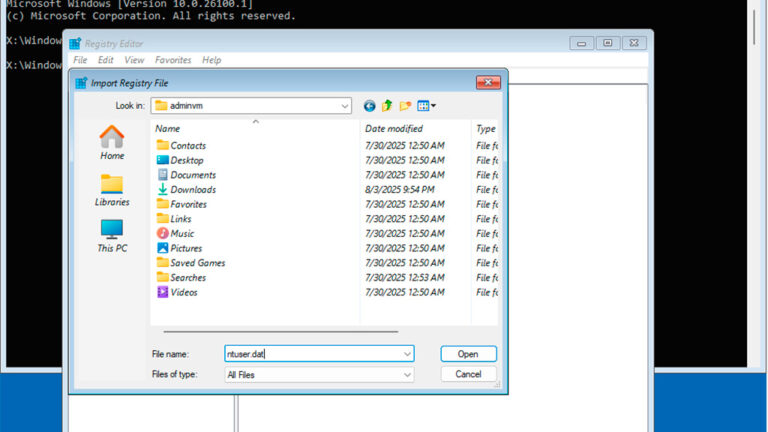
If your Windows 11 or Windows 10 system stops booting or logging in after changes to the registry, “optimization” attempts, or other tweaks — and … Read more
Written by: Malik.S
Published on:
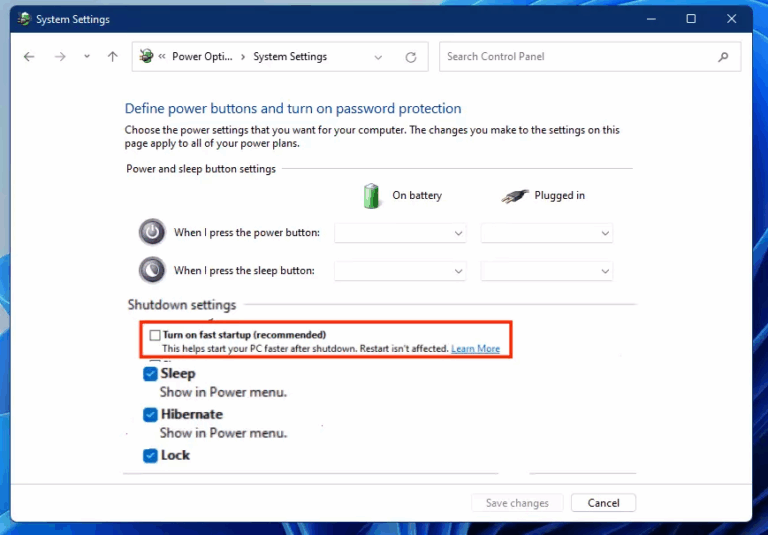
Beginner, How-To Guides, windows 10, windows 11
Fast Startup is a built-in Windows 11 feature designed to reduce boot time after a system shutdown. While it can make your PC start faster, … Read more
Written by: Malik.S
Published on:

Programs & Tools, windows 10, windows 11
Blue screens in Windows 11/10 or other operating systems, as well as unexpected crashes of various programs, are often linked to faulty RAM. If you … Read more
Written by: Malik.S
Published on:
Programs & Tools, windows 10, windows 11
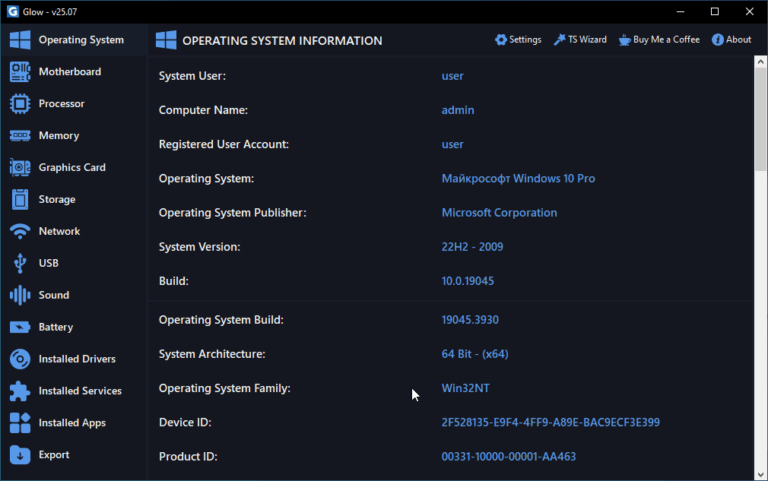
To check your PC or laptop hardware specs on Windows, you can use built-in tools like Device Manager or System Information (msinfo32), but there are … Read more
Written by: Malik.S
Published on: