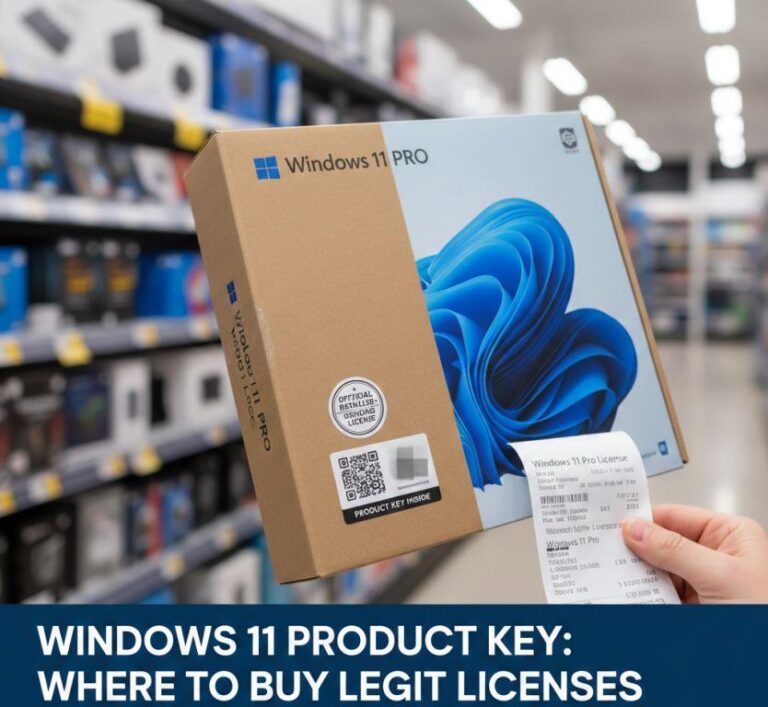
Where to Buy a Legit Windows 11 License
If you’ve recently installed Windows 11 or upgraded from Windows 10, you may notice that your system isn’t activated. While Windows can run without activation, … Read more

Written by: Malik.S
Published on:

If you’ve recently installed Windows 11 or upgraded from Windows 10, you may notice that your system isn’t activated. While Windows can run without activation, … Read more
Written by: Malik.S
Published on:
Beginner, How-To Guides, windows 11
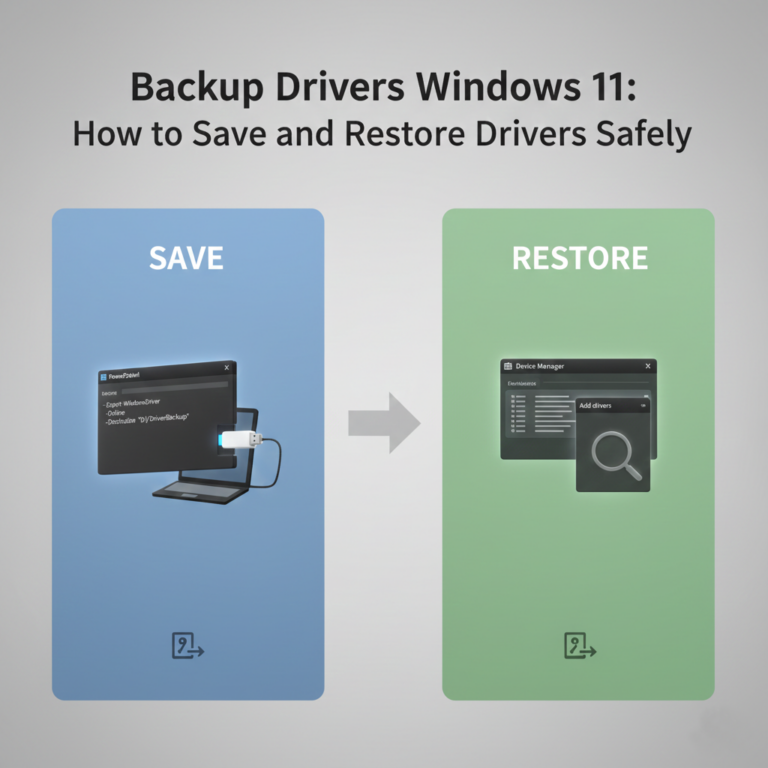
Backing up drivers in Windows 11 is an often-overlooked step that can save hours of frustration after a system reinstall or hardware change. If you’ve … Read more
Written by: Malik.S
Published on:

Beginner, Programs & Tools, windows 10, windows 11
Sucrose Wallpaper Engine is a free, open-source Windows application designed to bring animated and interactive wallpapers to your desktop. It’s often praised as a lightweight … Read more
Written by: Malik.S
Published on:
Beginner, How-To Guides, Installation & Setup, windows 11
Microsoft continues to push users toward cloud integration, AI features, and mandatory Microsoft accounts during the Windows 11 setup process. But many people still prefer … Read more
Written by: Malik.S
Published on:
Beginner, windows 10, windows 11
If you’ve removed software but its background service is still running, or if an application leaves behind a broken service that causes system errors, you … Read more
Written by: Malik.S
Published on:

Google Chrome recently introduced new AI-powered features that enhance browsing, summarize pages, and offer smart suggestions. While these tools can be useful, many users in … Read more
Written by: Malik.S
Published on:
Beginner, Errors & Fixes, windows 10, windows 11
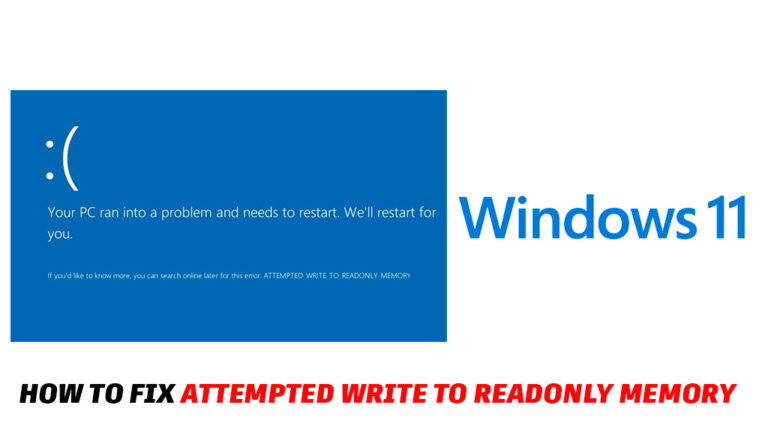
The “Attempted Write to Readonly Memory” Blue Screen of Death (BSOD) appears when Windows detects that a driver or system process is trying to write … Read more
Written by: Malik.S
Published on:
Beginner, Errors & Fixes, Windows
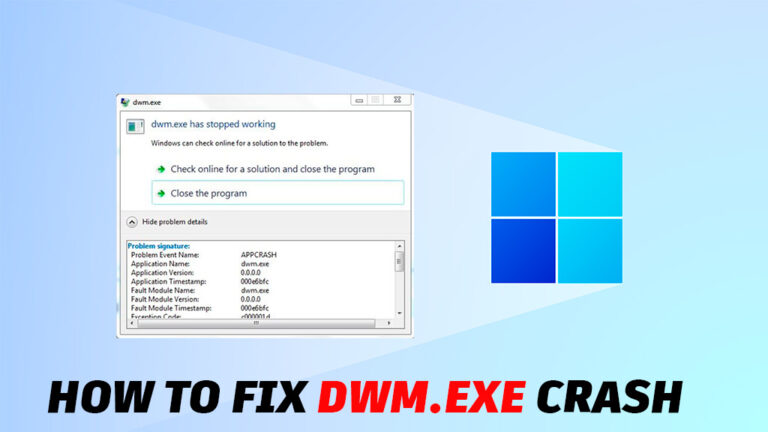
If your PC suddenly freezes, the screen flickers, or you’re kicked out of apps with “DWM.exe has stopped working,” you’re dealing with a Desktop Window … Read more
Written by: Malik.S
Published on:
Beginner, Errors & Fixes, Windows
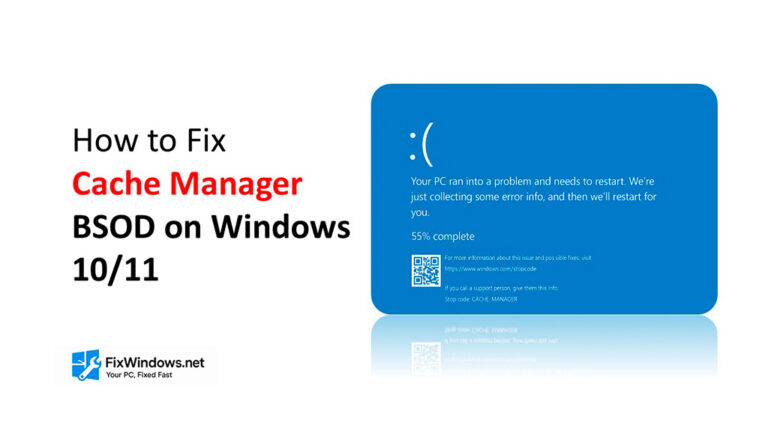
The Cache Manager BSOD is one of the more frustrating blue screen errors that Windows users face. It appears suddenly, often during startup or while … Read more
Written by: Malik.S
Published on:
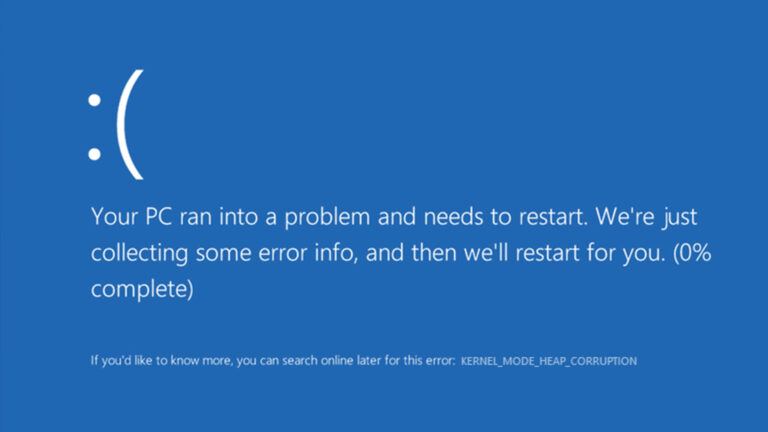
If your Windows 10 or 11 computer suddenly shows a Blue Screen of Death (BSOD) with the message Kernel Mode Heap Corruption, you’re not alone. … Read more
Written by: Malik.S
Published on:
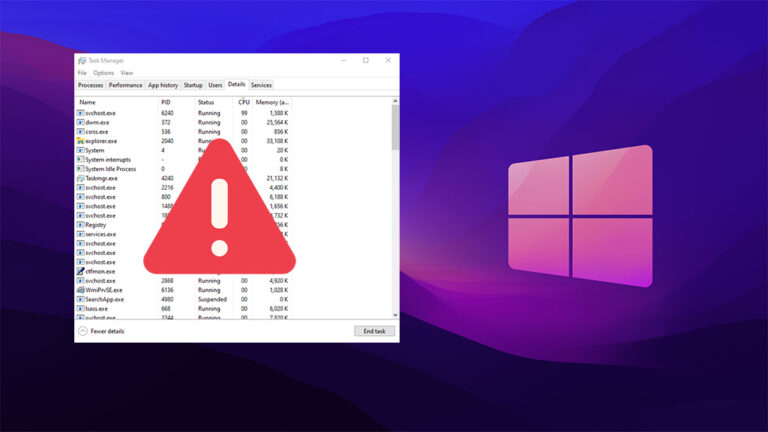
If your Windows 10 or 11 PC is suddenly running slow, the svchost.exe process might be using a lot of your CPU. This is a … Read more
Written by: Malik.S
Published on: